Opple Cottage
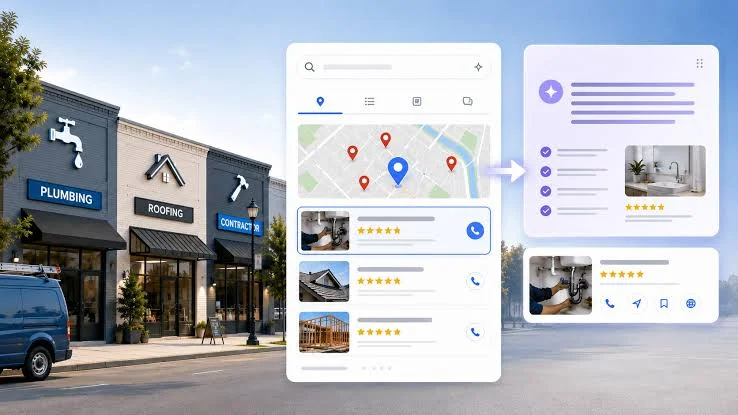
Search is changing from a list of links into a mix of links, summaries and AI-generated answers. For a small business, a Google AI search control is not a switch that guarantees whether a page will appear in an AI response. It is better understood as a set of publishing and preview settings that can affect how Google uses or displays a page. Knowing what those settings do can help you make decisions without accidentally limiting your visibility.
Google’s AI features sit within its broader search system, so choices about previews may affect more than AI answers. This overview of Google’s AI search controls is a useful starting point for understanding the distinctions. The practical question for a business is not simply whether to allow AI, but how much of each page you want search engines to show and what you hope visitors will do next.
Understand the controls before changing them
Google offers publishers controls over the text and images it may display in search previews. The nosnippet directive can prevent a text snippet from appearing for a page. A max-snippet setting can limit the length of a text preview, while data-nosnippet can exclude selected portions of a page from snippets. These settings can influence how content is presented in Search, including some AI-powered search experiences.
They are not precision tools for editing an AI answer. A business generally cannot dictate the exact wording of a summary, require Google to cite a page, or guarantee that a page will be included in an AI response. Nor should these preview settings be confused with controls relating to the use of content for AI model training. Different settings address different systems, and blocking a search preview can have consequences for ordinary search results as well.
That trade-off matters. A detailed preview may help a searcher decide that your page is relevant and click through. On the other hand, a publisher may prefer to limit the amount of material shown directly in results. A strict restriction can reduce the information available to attract a visitor, and it may not produce the outcome you intended for AI search.
Choose a policy page by page
Most small businesses do not need one blanket rule for every page. Consider what role each page plays:
- Service and product pages: Clear descriptions in search previews can help prospective customers understand what you offer. Restricting all preview text may make it harder for them to distinguish your business from alternatives.
- Guides and articles: These pages often answer a focused question. A useful preview can demonstrate their relevance, while the full article can provide examples, context and next steps that encourage a visit.
- Private or sensitive material: Do not rely on snippet controls to protect information that should not be public. Keep confidential content behind appropriate access controls, and avoid publishing it on a page intended for indexing.
- Campaign or conversion pages: Review whether search traffic is important to the page. A short, compelling preview may support discovery; a page intended only for people arriving through a specific campaign may have different needs.
Before changing a directive, identify the page’s purpose and the behavior you want from a searcher. If you want qualified visitors, a preview that answers every part of a question may not always be ideal—but hiding all useful context can also make a result less compelling. Test changes on a limited set of pages, then review search performance over time rather than judging by one day’s results.
Keep the content useful to people
Search controls cannot compensate for unclear or thin information. Make each page easy to understand, use descriptive headings, and answer the questions customers actually ask. Include original details such as service areas, timelines, limitations, pricing factors or examples where appropriate. This helps people evaluate your offer whether they arrive from a conventional result, an AI summary or a direct recommendation.
Also check the technical basics. Make sure important pages can be crawled, are not accidentally marked as unavailable for indexing, and have accurate page titles and descriptions. Keep business details consistent across your site. If you change a page’s preview settings, record what you changed and when; otherwise, it can be difficult to connect a later traffic shift to its cause.
Make room for the work behind the strategy
For a lean team, putting an AI-search plan into practice may require help with technical SEO, content editing, analytics or site development. If you need outside support, define a specific task, access level, deadline and success measure before hiring. A guide on hiring a freelancer can help structure that process. Osdire is one marketplace where businesses can find services across areas such as programming, writing, design and marketing; compare a provider’s relevant experience and agree on the deliverable before work begins.
The best approach is measured rather than reactive: learn what each control affects, protect genuinely private information properly, and make preview decisions according to the purpose of each page. Google’s AI search features will continue to evolve, but useful content and clear publishing choices remain within your business’s reach.